Last Updated by Amimetic on 2025-04-02
1. Stop wasting time using tools that aren't optimised for colour theme creation and focus on the features of your App or Website.
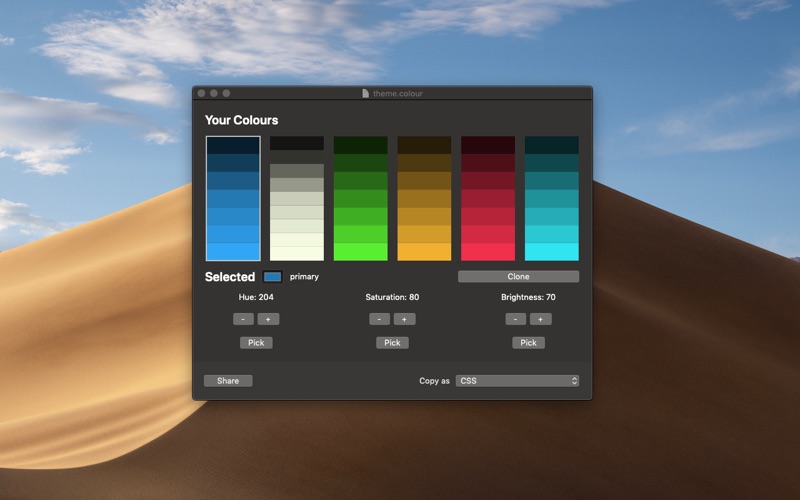
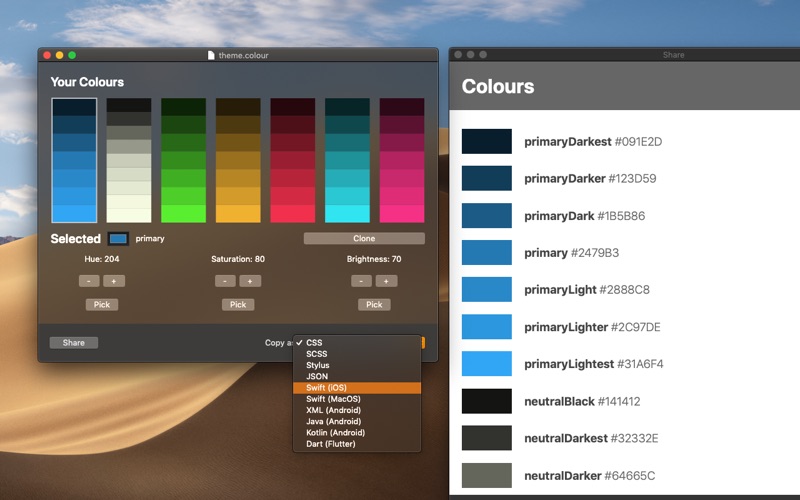
2. Modern Colour Picker fills in darker and lighter versions to give you a full set of colours ready to use for your next App or Website.
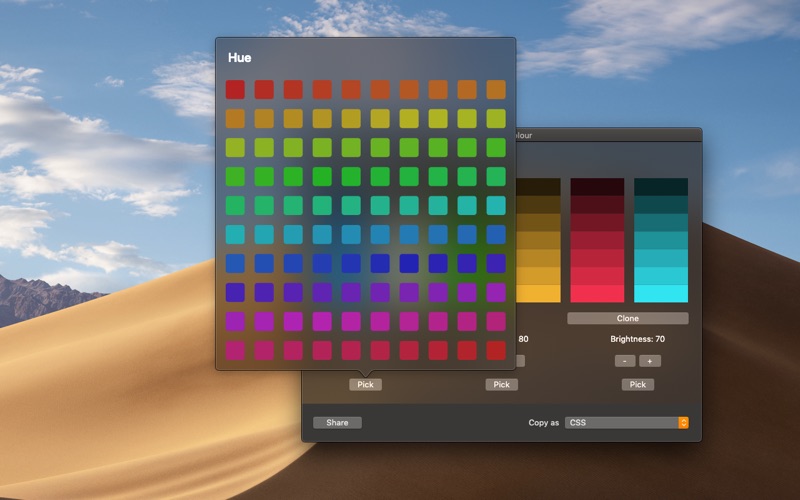
3. The main colour picking is done not in an abstract way by moving a dial, but by presenting you with 100 different choices for hue, saturation or brightness.
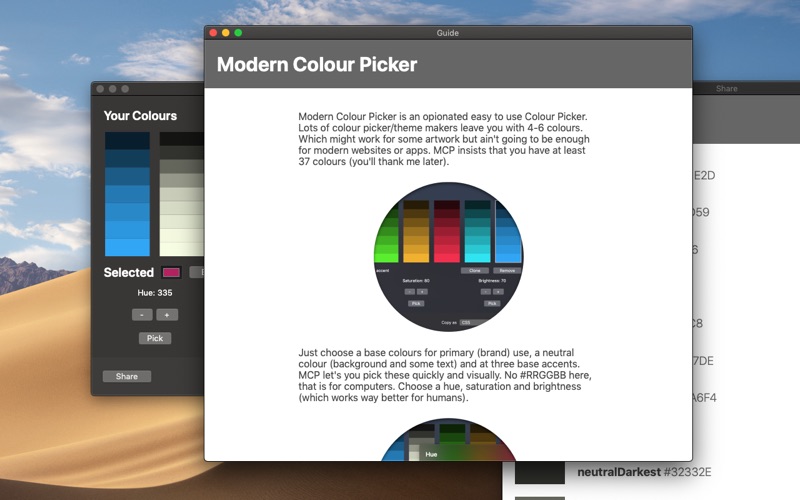
4. No #RRGGBB selection, that is for computers, pick a hue, saturation and brightness for at least 5 base colours.
5. Create useful colour schemes in minutes for websites and apps.
6. You can save projects in a simple (JSON based) format that you can easily include alongside your source code.
7. You can also make fine adjustments as required.
8. if there are other formats you would like get in touch.
9. Liked Modern Colour Picker? here are 5 Developer Tools apps like Developer Colour Palette; GitHub; DManager!; Device Monitor²; O-KAM Pro;
Or follow the guide below to use on PC:
Select Windows version:
Install Modern Colour Picker app on your Windows in 4 steps below:
Download a Compatible APK for PC
| Download | Developer | Rating | Current version |
|---|---|---|---|
| Get APK for PC → | Amimetic | 1 | 2.0 |
Get Modern Colour Picker on Apple macOS
| Download | Developer | Reviews | Rating |
|---|---|---|---|
| Get $3.99 on Mac | Amimetic | 0 | 1 |
Download on Android: Download Android
 PC Apps