Last Updated by Bita Sobhani on 2024-07-20


1. - you have created a rhythm and you want to find out the correct timing for the written notes.
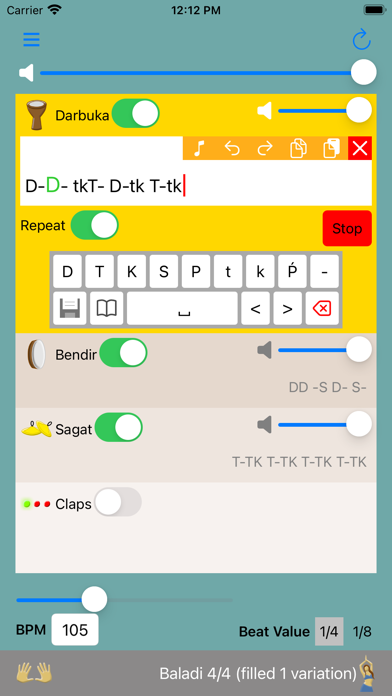
2. Write a rhythm using the notes from the keyboard and Robo Dumbek will play it for you.
3. - you have a written rhythm and you want to know how it sounds like.
4. - you want to know how a rhythm sounds like with changing the speed.
5. The premium version enables additional features of saving your rhythms and open them later.
6. Also, you can pick popular rhythms from the list as examples.
7. It also removes all ads from the app.
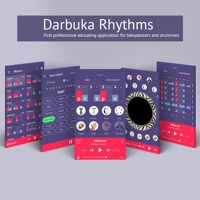
8. Liked Robo Darbuka? here are 5 Music apps like Darbuka - Percussion Drums Pad; Darbuka - Hand drum; Tabla Free (Darbuka and Belly Dancer طبلة و رقاصة); Darbuka Rhythms; Robo Flute;
Or follow the guide below to use on PC:
Select Windows version:
Install Robo Darbuka app on your Windows in 4 steps below:
Download a Compatible APK for PC
| Download | Developer | Rating | Current version |
|---|---|---|---|
| Get APK for PC → | Bita Sobhani | 3.67 | 1.3.3 |
Get Robo Darbuka on Apple macOS
| Download | Developer | Reviews | Rating |
|---|---|---|---|
| Get Free on Mac | Bita Sobhani | 3 | 3.67 |
Download on Android: Download Android
 PC Apps